Skip to content

Our security commitments.You control access.

EasyNet uses each Ability as the smallest unit of access control, applying your access and invocation permissions to safeguard your data and business. Finding an address does not grant access.
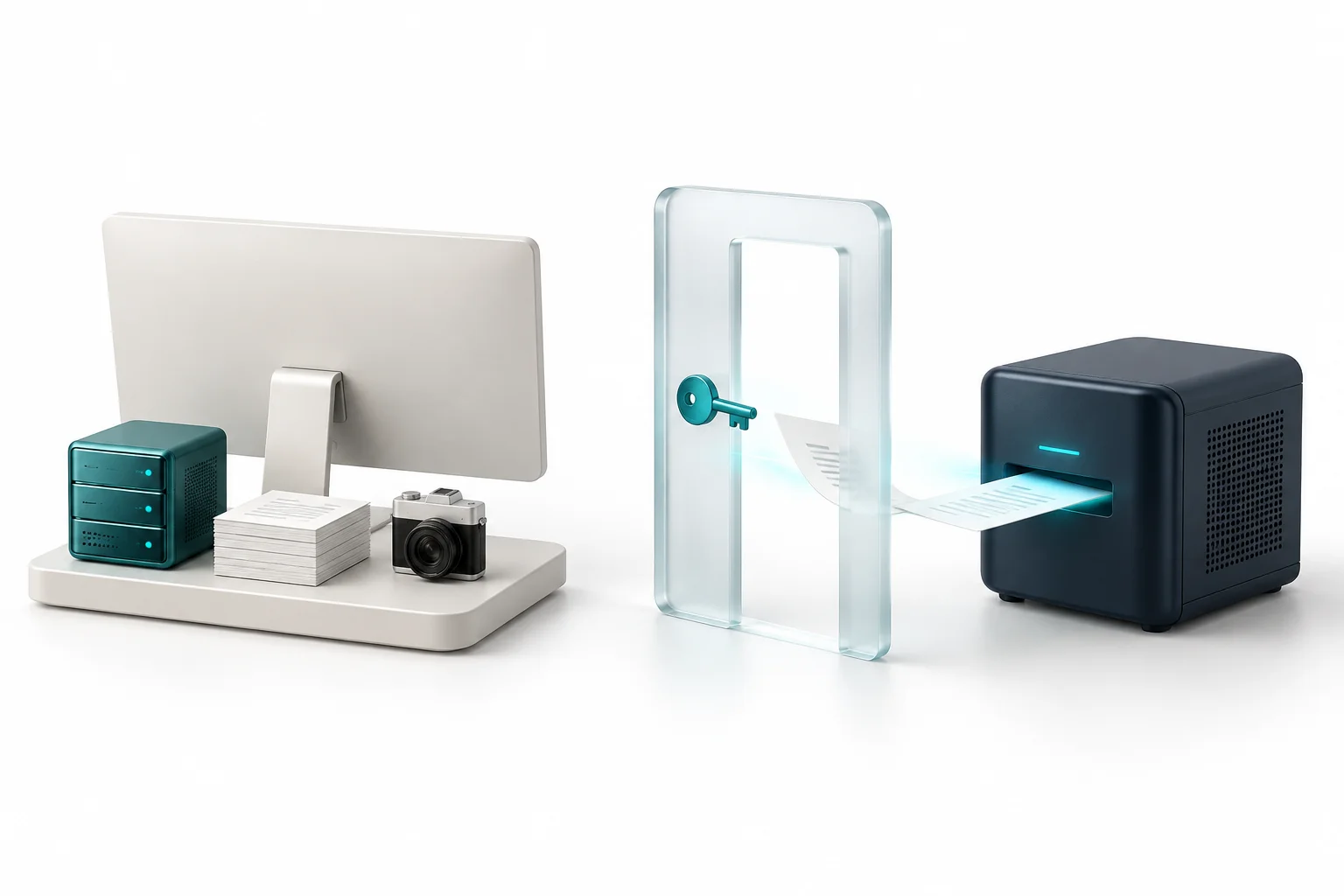
Who connects it. Who can use it.

Resource owner

  1. Connect the resource and provide the Ability’s EasyNet URA.
  2. Describe its inputs and outputs, and set the access policy.
  3. Run the implementation and control what it returns.

Caller or Agent

  1. Know the EasyNet URA of the Ability to call.
  2. The call must be allowed by the provider’s access policy.
  3. Call through Runtime or MCP with the required inputs; check the result.

Permission first. Execution next.

Open the envelope
Sender
caller
Recipient
callee
Subject
subject
Ability reference
abilityVersion · Hash · Action
Argument digest
args_digest
Invocation nonce
invocation_nonce
Causal context
causal_context
Caller signaturecaller_signature

Request received

The request is structurally complete and received.

The boundaries, made clear.

Do I need a public IP or open ports?
For a provider using the standard Hub route, no inbound port is required. The Runtime needs outbound network access to its configured Hub endpoint and matching trust material.
Where do call inputs and results travel?
Inputs are routed to the provider and released results return to the caller. Axon’s protocol schema defines encrypted content envelopes, but the current product does not provide end-to-end payload encryption on every Invocation path; confidentiality currently depends on the configured transport.
What permissions does my handler run with?
It runs with the permissions of the process you deploy it in; there is no extra sandbox. Publishing only minimal actions is the intended design.
How fine-grained is authorization?
Access-control grants bind callers to Abilities and can be revoked. Unary calls can also enforce per-consumer, per-Ability window quotas.
Can I self-host the Hub?
Yes. Point Runtime to your own Hub and configure the matching trust certificates.